
Basics
14 min read
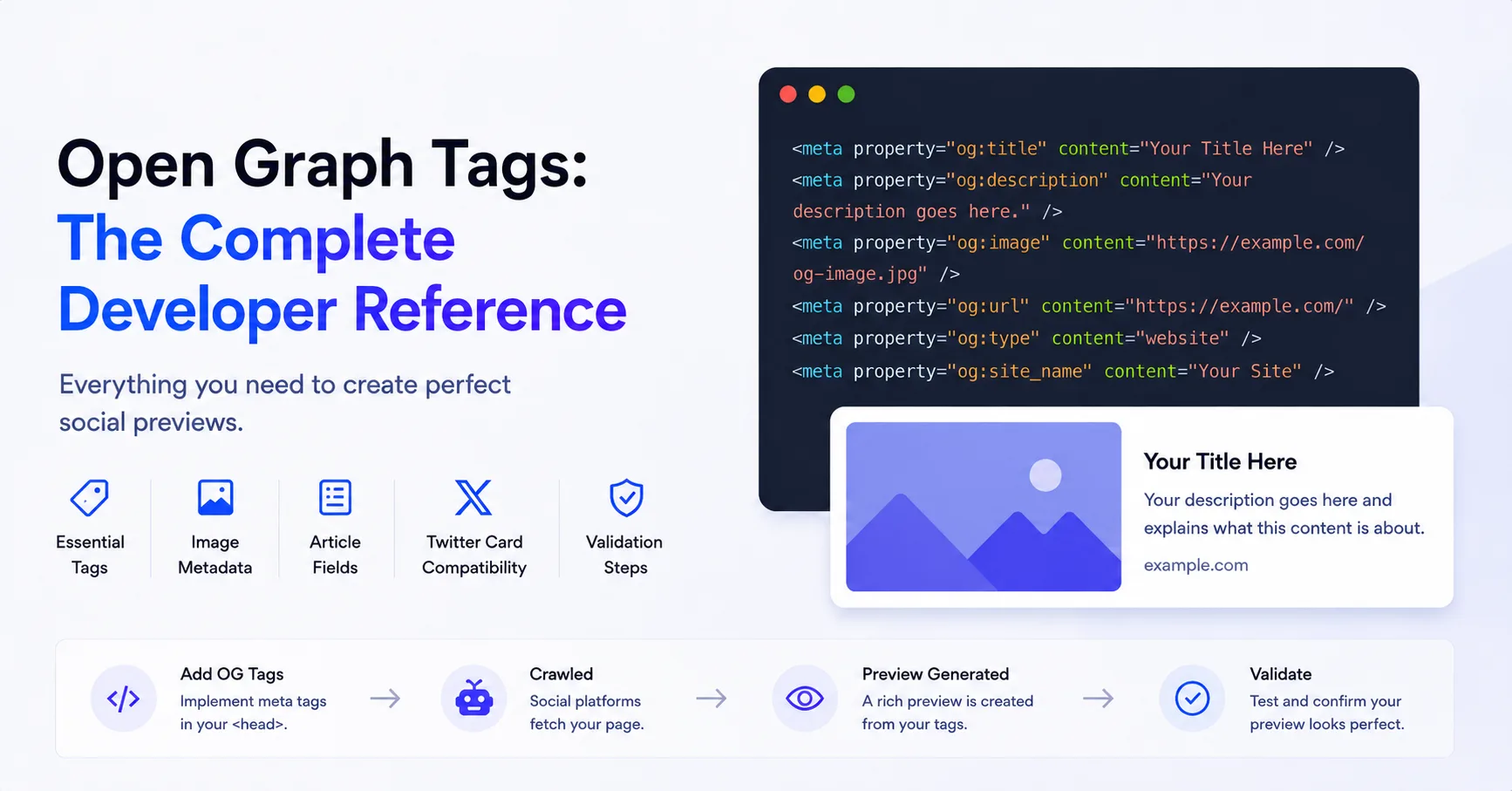
Open Graph Tags: The Complete Developer Reference
Reference the core Open Graph properties, structured image fields, article metadata, multiple images, X card fallbacks, and validation rules.
Practical, tested guides for choosing image sizes, publishing metadata, fixing broken previews, and automating Open Graph images at scale.
Follow the path that matches the job in front of you.
14 practical guides
Understand the page contract before choosing tools, templates, or automation.
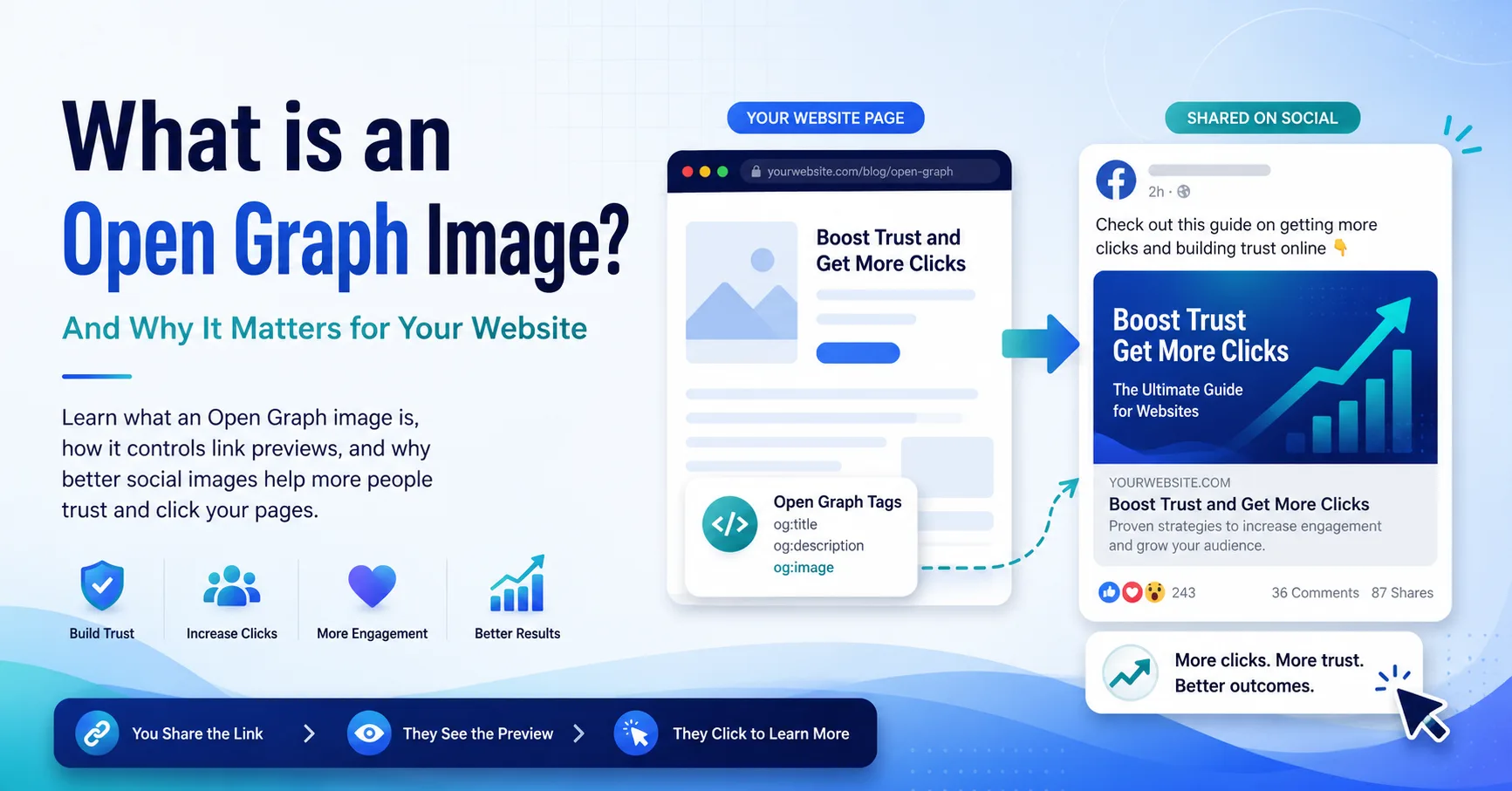
Learn what an Open Graph image is, how it controls link previews, and why page-specific previews are easier to understand and trust.
You will learn
Move from fundamentals to implementation, then use the troubleshooting and scale guides when your publishing workflow grows.
2 guides
Reference the core Open Graph properties, structured image fields, article metadata, multiple images, X card fallbacks, and validation rules.
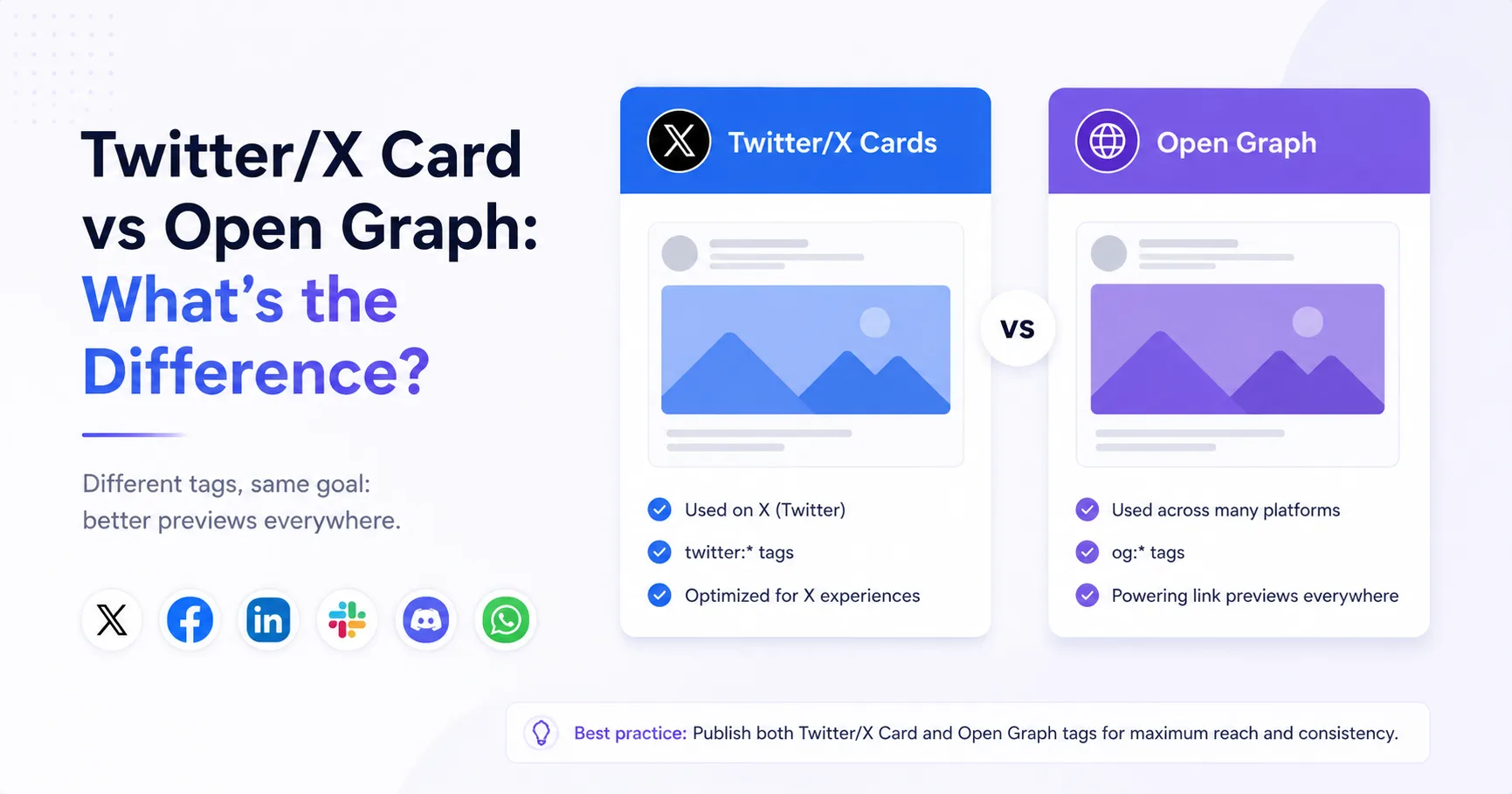
Understand how X card metadata and Open Graph differ, where they overlap, and how to publish a clear fallback strategy without duplicating every value.
7 guides
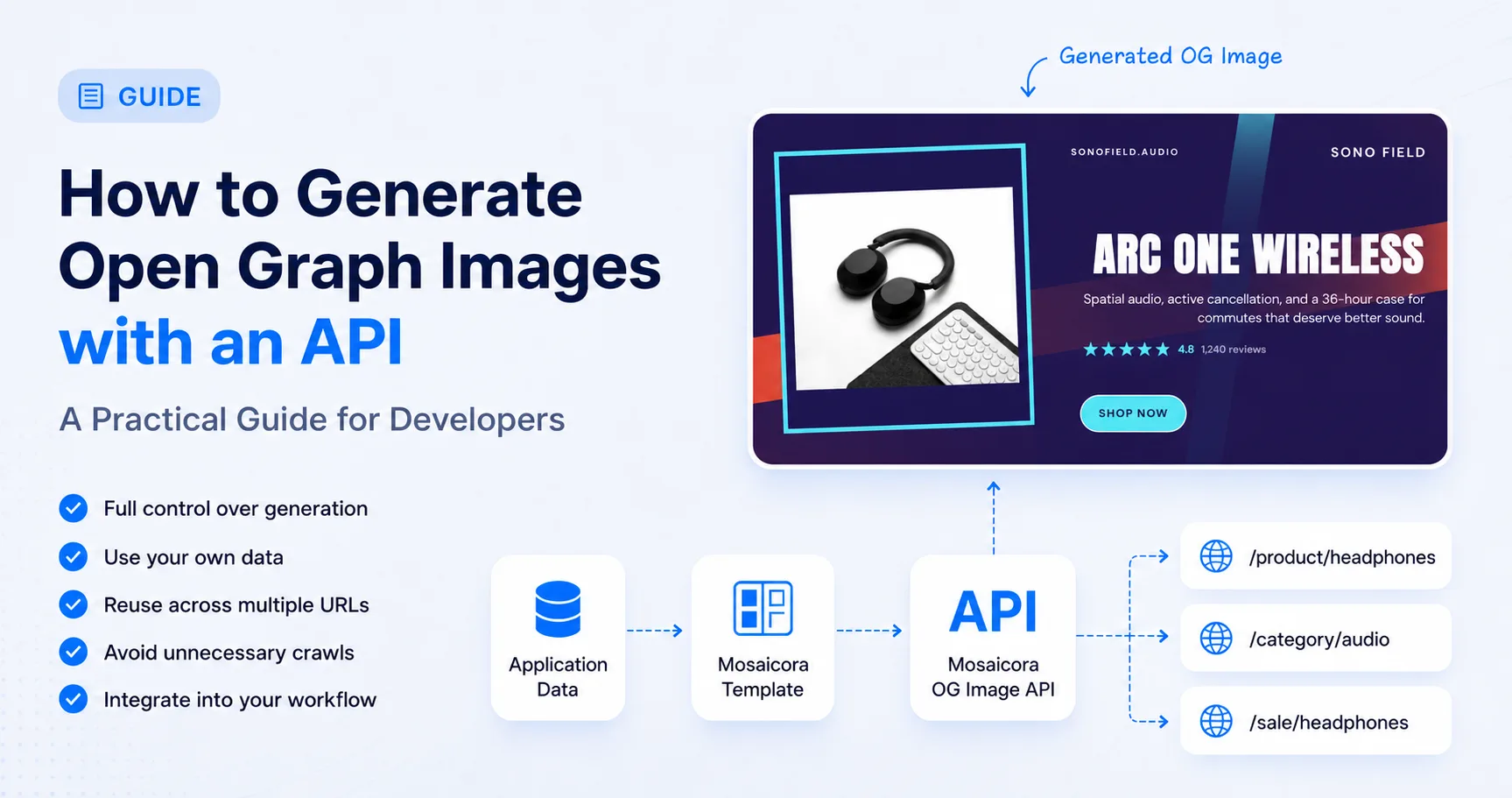
Learn how to generate Open Graph images with an API, control when images are created, reuse them across URLs, avoid page crawling, and regenerate from application data.
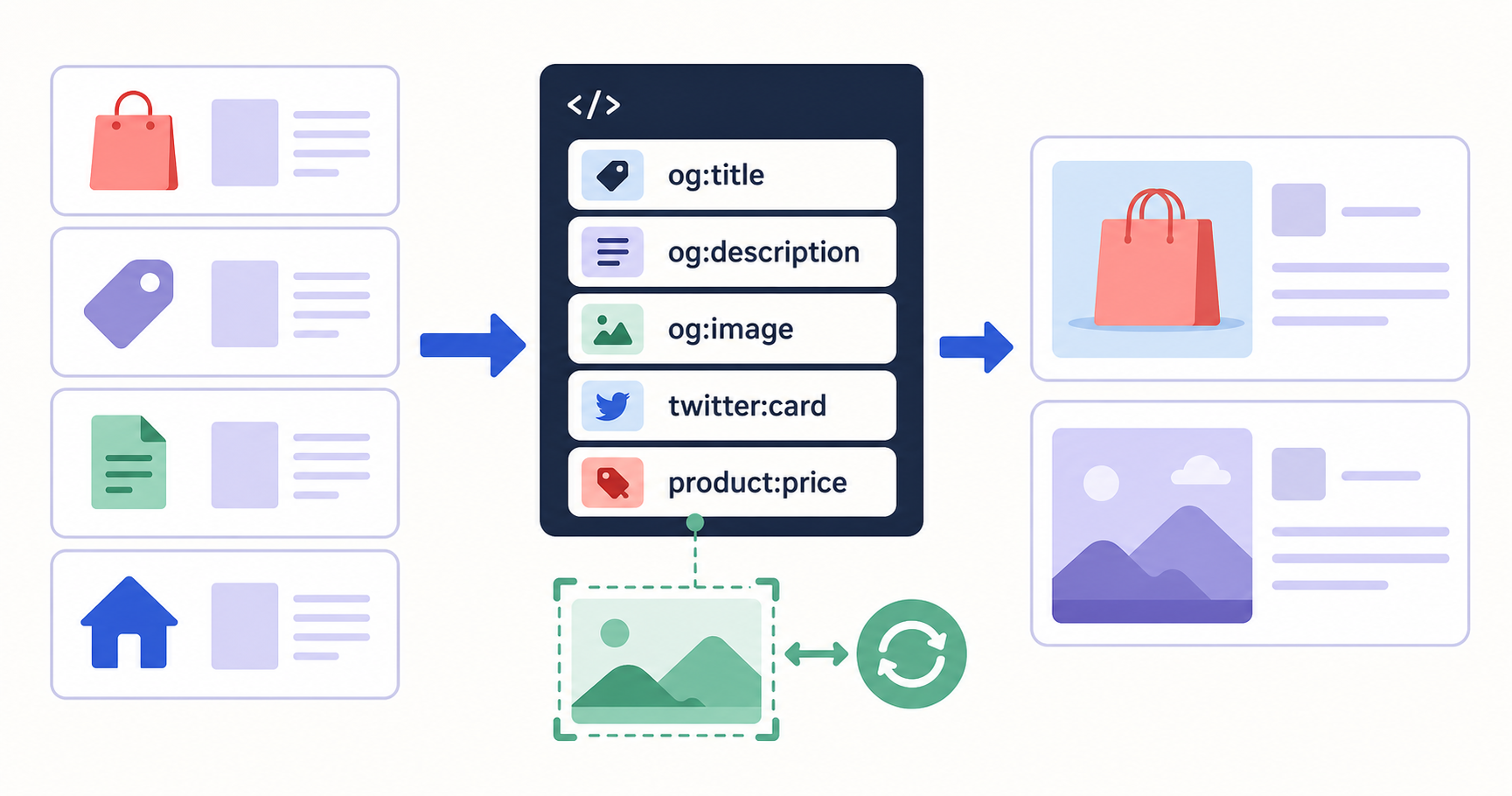
Connect Magento to Mosaicora to generate more relevant social previews from store-scoped settings, page-specific content, and structured image hints.
Learn how to use the Mosaicora Open Graph module to publish reliable Magento metadata, optional generated social images, and local-image fallbacks across product, category, CMS, and home pages.
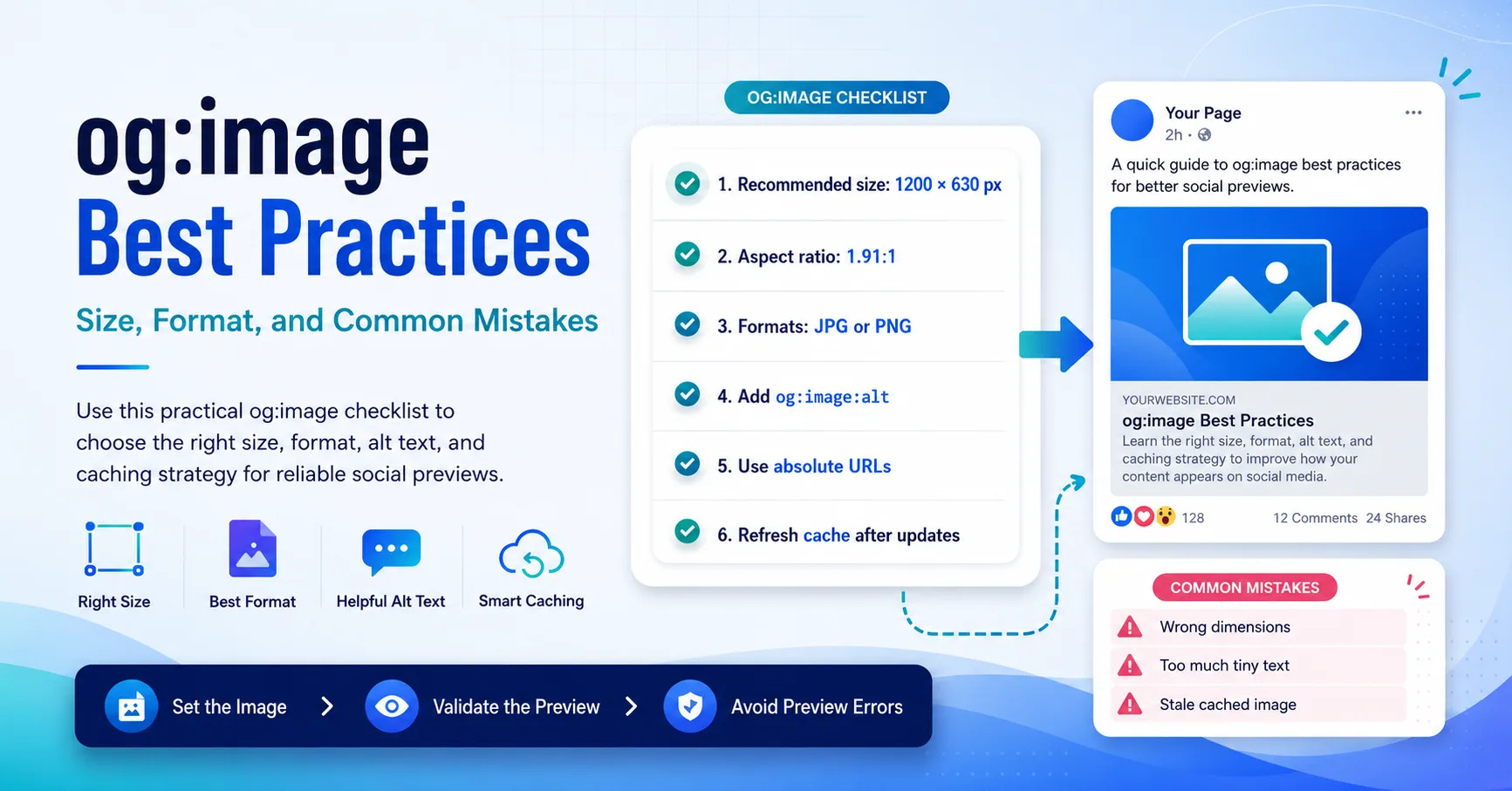
Use a practical og:image checklist to choose dependable dimensions, formats, alt text, delivery rules, and update behavior.
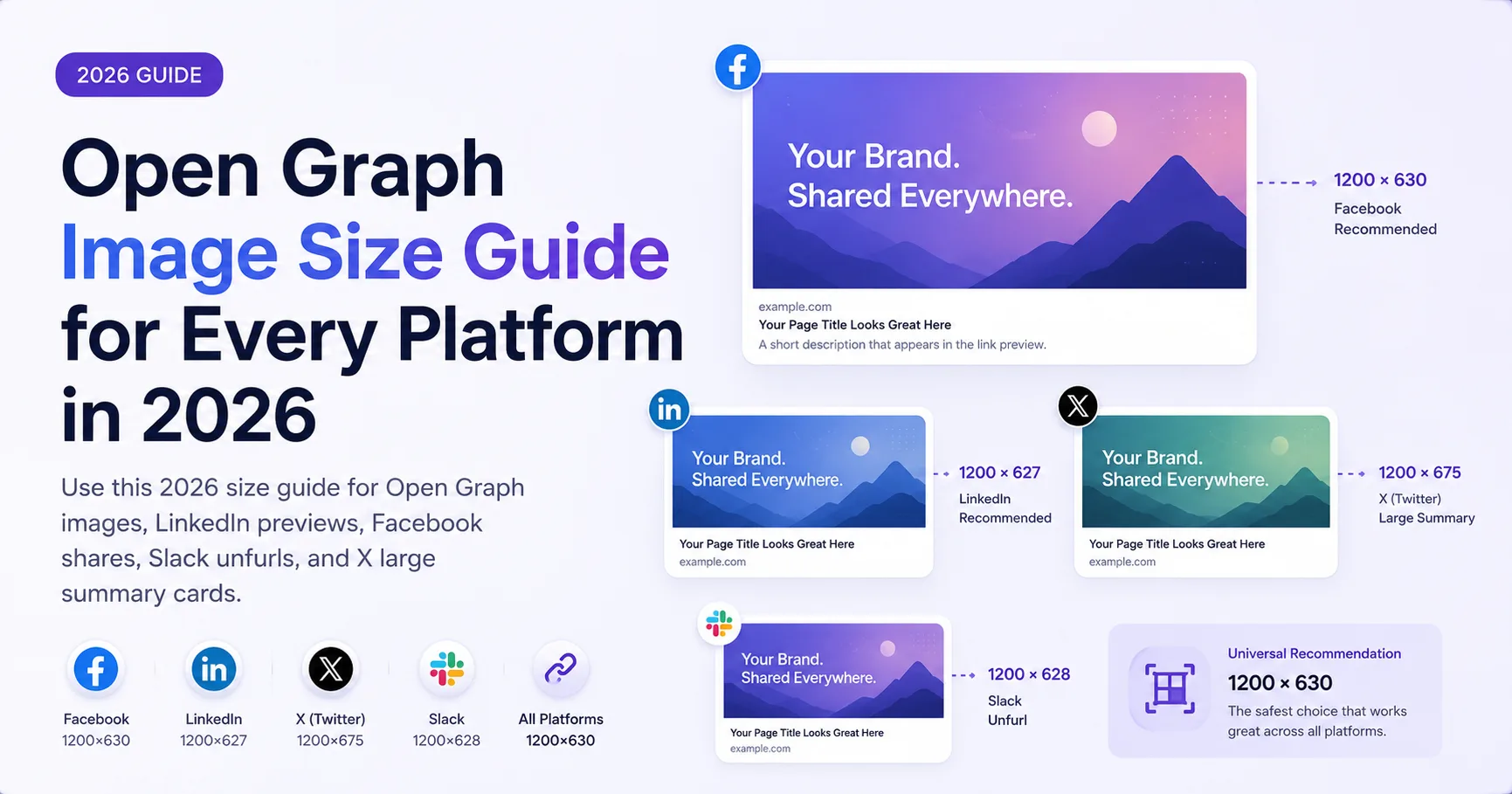
Use a practical 2026 sizing strategy for Open Graph images across social feeds, professional networks, and messaging previews.
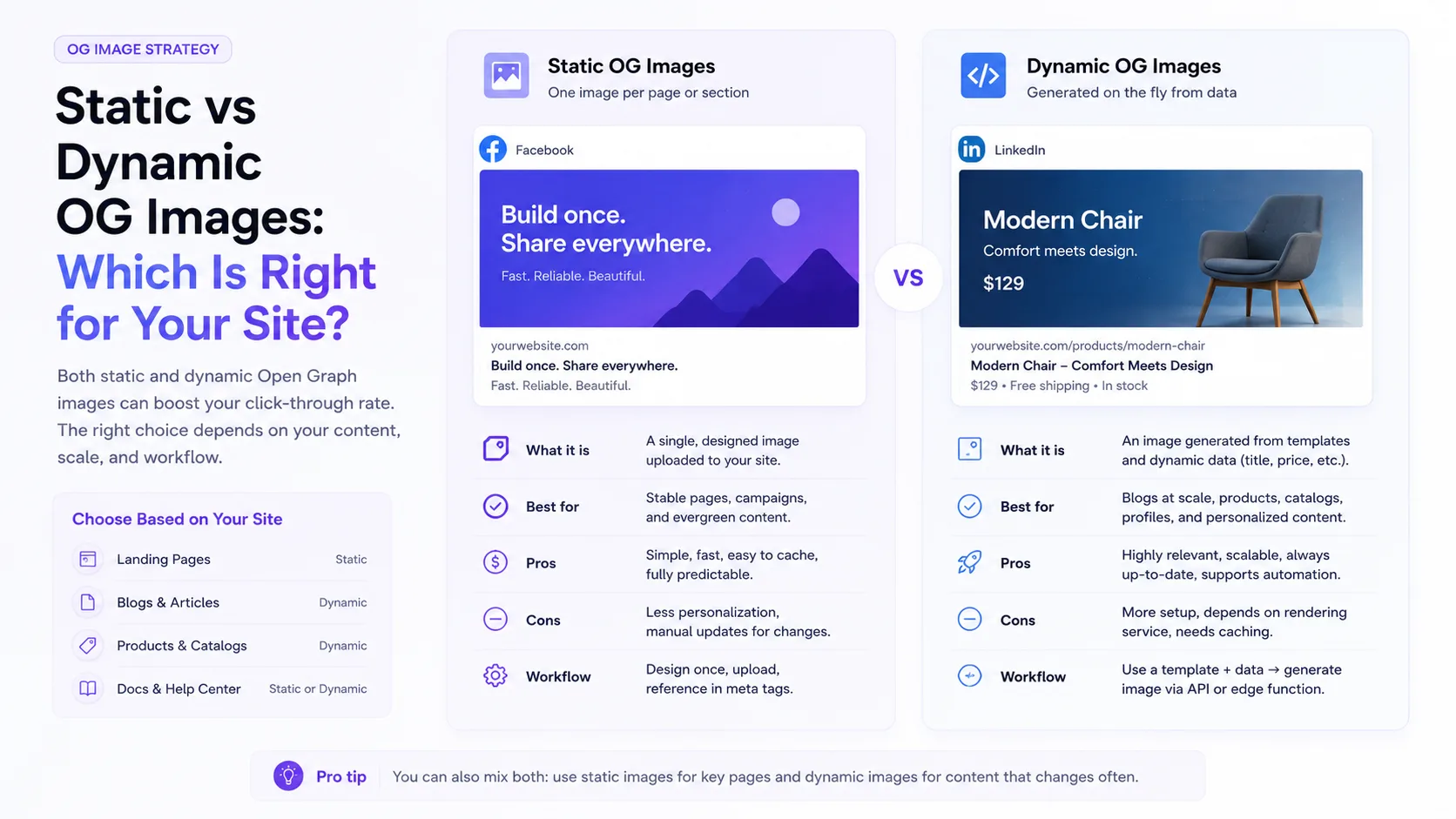
Compare static and dynamic Open Graph image workflows by content volume, update frequency, ownership, reliability, and maintenance cost.
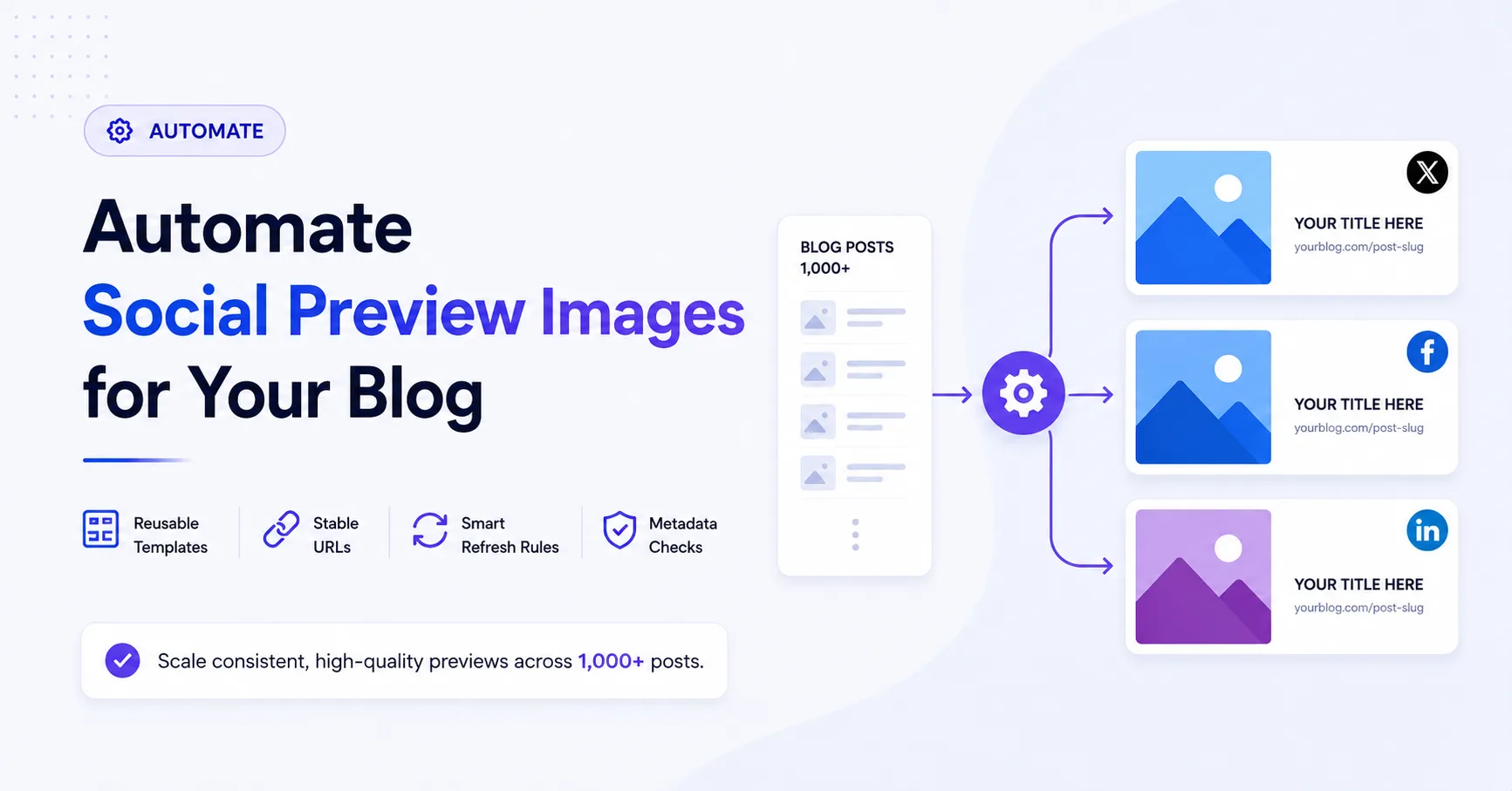
Plan an automated Open Graph image system for a large publication with reusable templates, bounded content, stable URLs, backfills, and validation.
1 guide
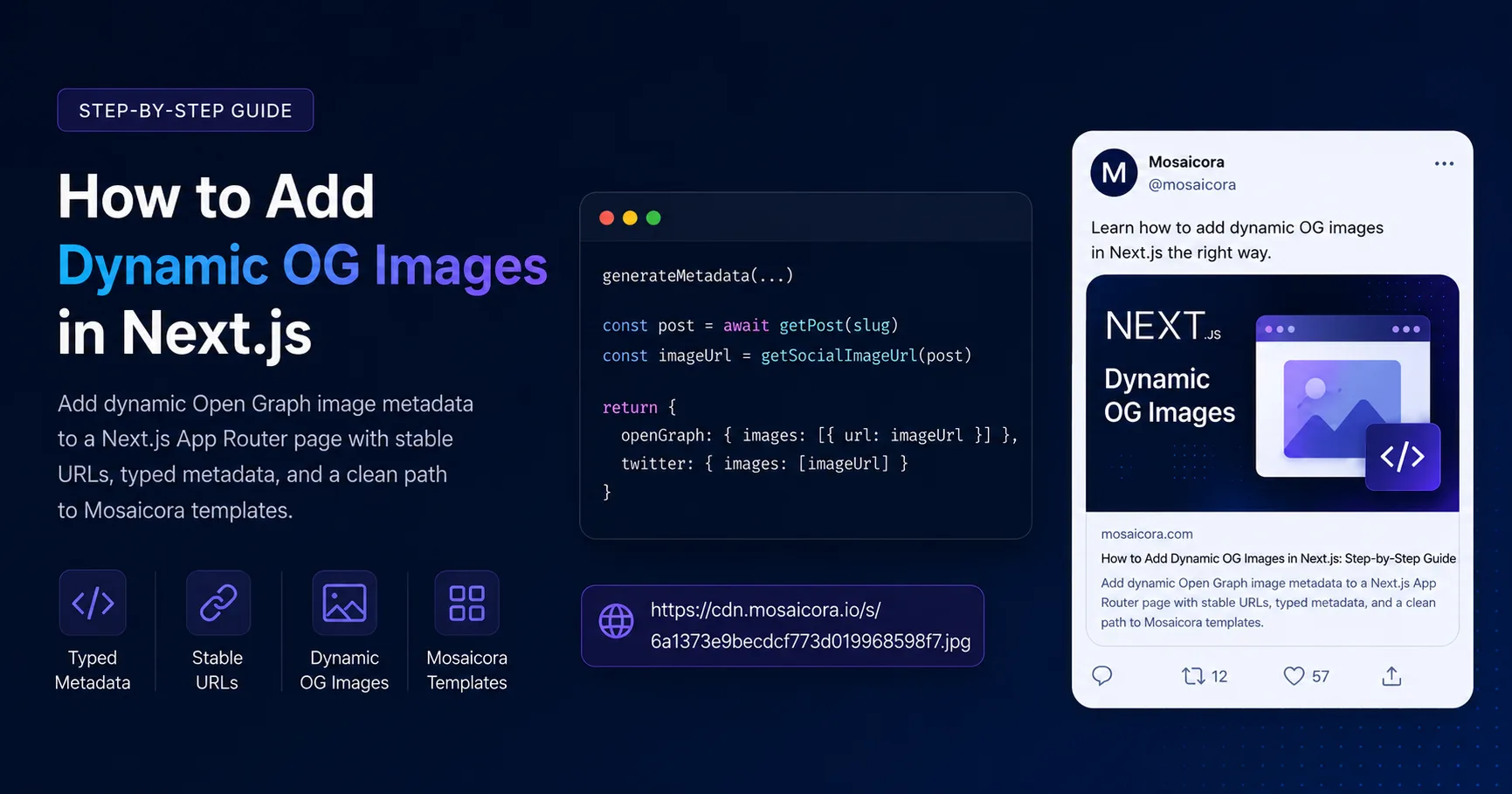
Add page-specific Open Graph image metadata to a Next.js App Router route with typed metadata, public URLs, and a reliable validation workflow.
3 guides

Learn why social platforms can keep an older Open Graph image, how to diagnose the source of the problem, and how versioned image URLs help deliver an updated preview after a re-scrape.
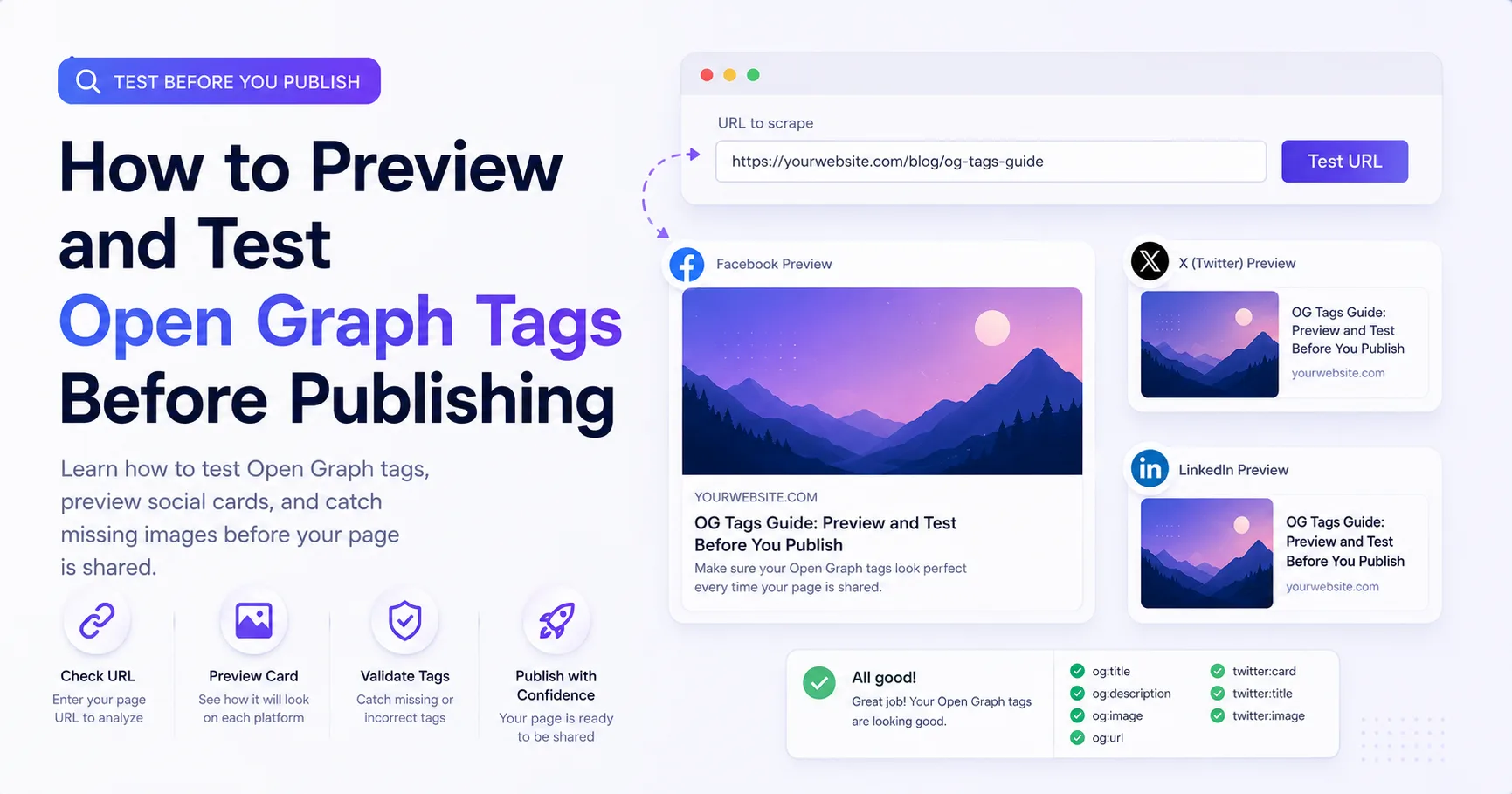
Use a repeatable pre-publish workflow to inspect Open Graph tags, image responses, redirects, and the previews built by social platforms.
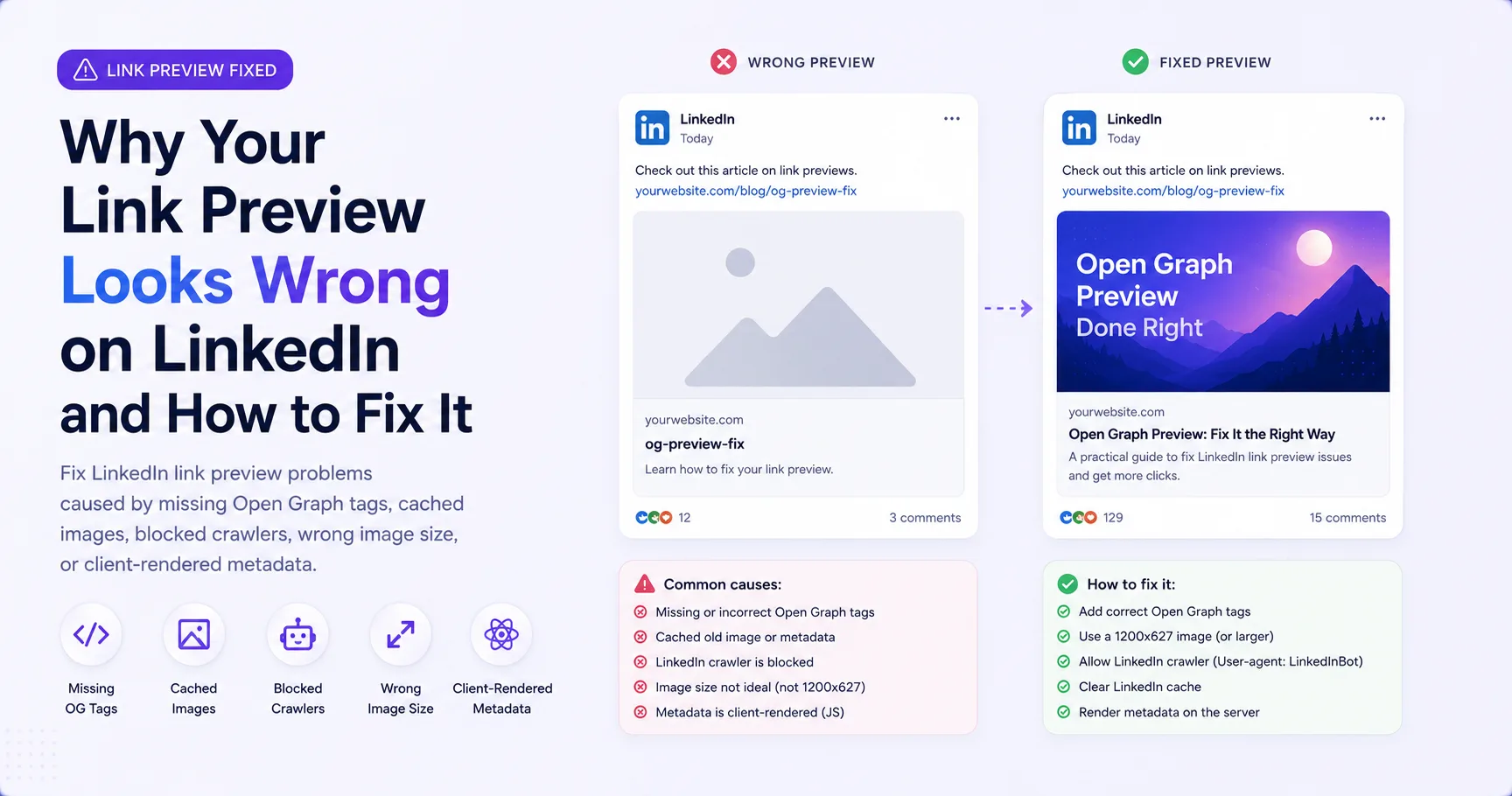
Diagnose LinkedIn preview problems caused by stale cache, incomplete Open Graph tags, protected images, redirects, or client-only metadata.
Check the title, description, image, and metadata returned by a public URL before you share it.