
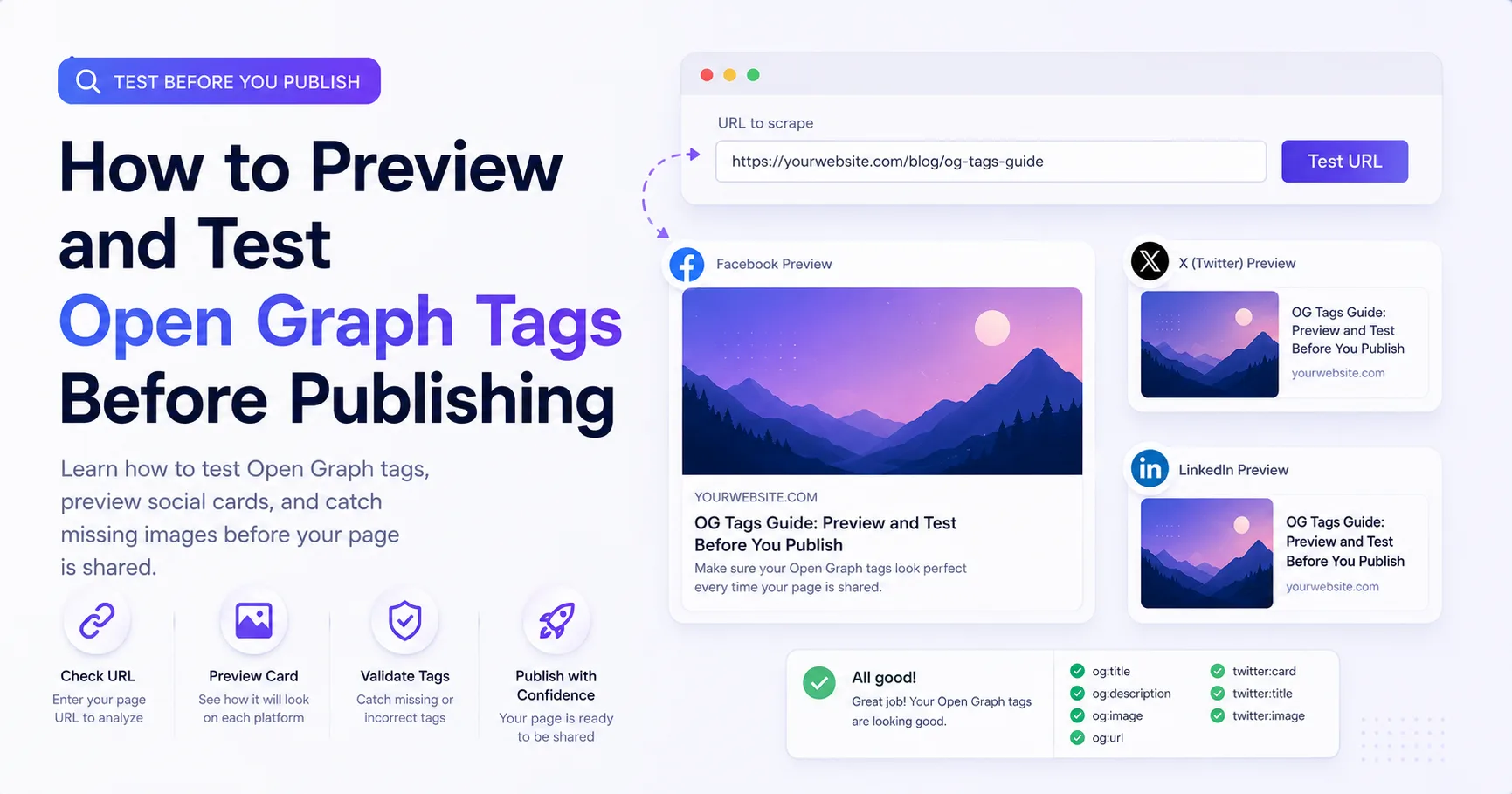
How to Preview and Test Open Graph Tags Before Publishing
Use a repeatable pre-publish workflow to inspect Open Graph tags, image responses, redirects, and the previews built by social platforms.
You will learn
- Separate page metadata problems from image-delivery problems
- Inspect the same HTML a crawler can read
- Build preview validation into a publishing checklist
The direct answer
Test the final public page URL, inspect its initial HTML, open the declared image directly, and then use platform inspectors to account for caching and platform-specific parsing.
Start with the final page URL
A social preview is assembled from the page document. Opening the image alone proves only that the image exists. It does not prove that the page declares the correct image, title, canonical URL, type, or description.
Inspect the initial HTML response
View page source or fetch the document without executing client JavaScript. Search for og:title, og:type, og:url, og:image, and og:description. Check that each value belongs to the current page rather than a shared layout fallback.
<meta property="og:title" content="Page-specific title" />
<meta property="og:type" content="article" />
<meta property="og:url" content="https://example.com/articles/page" />
<meta property="og:description" content="Page-specific summary" />
<meta property="og:image" content="https://example.com/social/page.jpg" />
<meta property="og:image:alt" content="Description of the preview image" />
<meta name="twitter:card" content="summary_large_image" />
HTML checks
- There is one intended canonical URL.
- The title and description describe this page, not only the site.
- The image URL is absolute and uses HTTPS.
- Metadata appears in the initial document head.
- No environment variable has produced a localhost or preview-only hostname.
Inspect the image response separately
Open the exact og:image URL in a private browser window. Check redirects, status, file type, dimensions, and whether any authentication is required. A URL that works only because your normal browser carries a session cookie is not public enough for a crawler.
Page problem
The wrong URL is declared
The image works when opened directly, but the page source points to an old fallback or a relative path.
Image problem
The declared URL cannot be fetched
The tag is correct, but the image redirects to login, returns HTML, times out, or is blocked for bots.
Use platform inspectors for the last mile
A generic checker helps you inspect the page contract, while a platform inspector shows how a specific service currently parses and caches that contract. Use both. LinkedIn provides Post Inspector, and Meta provides Sharing Debugger for Facebook sharing behavior.
A platform preview can remain stale after your page is fixed because the service has cached the previous metadata or image. Request a refresh in the platform tool when possible, or use a new versioned image URL for an important visual change.
Turn testing into a publishing step
Pre-publish preview checklist
- Deploy the page and image to public stable URLs.
- Inspect initial HTML metadata.
- Open the image without a session.
- Check mobile legibility and safe-area spacing.
- Run a general metadata checker.
- Use platform inspectors for important launch destinations.
- Record or automate the check for high-volume publishing.
Request a website preview audit
We will review three representative public URLs, identify social-preview metadata problems, and reply asynchronously with one practical setup proposal.
Prefer to continue on your own? Use the free checker