
How to Refresh a Cached Open Graph Image on Social Media
Learn why social platforms can keep an older Open Graph image, how to diagnose the source of the problem, and how versioned image URLs help deliver an updated preview after a re-scrape.
You will learn
- Separate a social-platform cache from a metadata or image-delivery issue
- Use an intentional v parameter instead of repeatedly changing an image at the same URL
- Apply Mosaicora manual and scheduled image versioning without promising a forced re-crawl
The direct answer
A cached Open Graph image usually means a social platform saved an earlier page preview or image URL. Fix the live metadata first, then publish a deliberately versioned image URL so the next re-scrape can fetch a distinct asset.
Why social previews can keep an older image
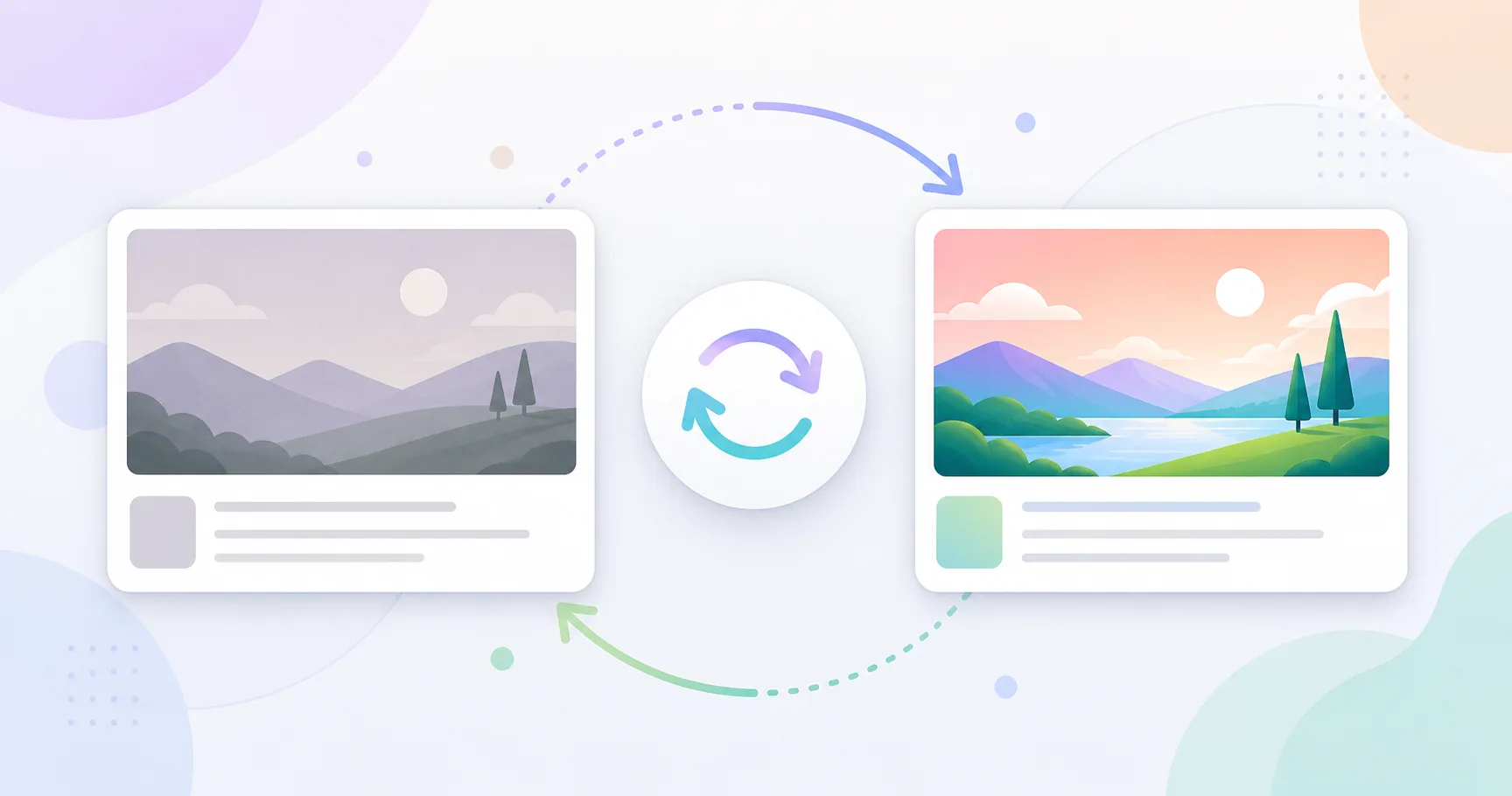
A social preview is not a live view of your page. When someone shares a URL, the destination may fetch the page HTML, read its metadata, download the image, and retain that result for future shares. Updating the file behind the same image URL does not guarantee that a platform will request it again immediately.
Same image URL
The old preview can remain valid to the platform
Your origin may serve a new image, but a social platform can continue showing the preview it previously saved for that URL.
New versioned URL
The next fetch has a distinct asset to request
A changed v parameter tells the platform that the image URL is different, while the page URL and its canonical content remain stable.
Separate a cache issue from a broken source
An older preview is not always a cache problem. The page can still publish an old og:image value, a redirect can point the crawler somewhere unexpected, or the image response can be private, blocked, incomplete, or incorrect. Confirm the live public contract before treating the platform cache as the cause.
Inspect these layers in order
- Open the canonical page URL and inspect its initial HTML for the intended og:image value.
- Open the image URL without a signed-in session and confirm that it returns the new public image.
- Check redirects, response type, image dimensions, and access rules before changing the cache strategy.
- Only then use a platform inspector or another re-scrape action when one is available.
Fix the live source before requesting a refresh
Refreshing a platform preview before the page is correct only asks the crawler to save the same outdated or broken result again. Publish the intended metadata and image first. Then verify that a new anonymous request receives the exact values you expect to be shared.
Change the image URL intentionally with v
For a meaningful visual change, publish a new version of the image URL instead of relying on a replaced file at the same address. A v value can be a release identifier, content revision, or deployment timestamp. It should change only when the preview meaningfully changes.
import { createMosaicoraMetadata } from "@mosaicora/plugin-nextjs";

export const metadata = createMosaicoraMetadata({
  siteId: "your-site-id",
  pageHref: "https://example.com/articles/cache-refresh",
  cacheVersion: "release-2026-07",
});
// og:image ends with ?v=release-2026-07
How Mosaicora resolves the controllable parts
Mosaicora serves a deterministic Open Graph image URL for each page and lets you keep the image delivery layer separate from third-party preview caches. When you publish a new visual, use cacheVersion for a deliberate release or content revision. The explicit value replaces an older v value from the source URL and takes precedence over a schedule.
import { createMosaicoraMetadata } from "@mosaicora/plugin-nextjs";

export const metadata = createMosaicoraMetadata({
  siteId: "your-site-id",
  pageHref: "https://example.com/articles/cache-refresh",
  cacheBuster: "monthly",
});
// og:image receives a UTC monthly v valueUse a repeatable publishing checklist
A safer workflow for important preview updates
- Publish the new image and metadata before sharing the page.
- Assign a new manual cacheVersion for major launches, content revisions, or campaign artwork.
- Inspect the public page and image response with an anonymous checker.
- Request a platform refresh where the platform offers one, then allow time for its preview cache to update.
- Keep the same canonical page URL so attribution, analytics, and search signals remain stable.
This approach gives you a clear record of what changed and makes the next crawler fetch distinguishable from the old asset. It is more reliable than adding random query strings after a preview has already been shared.
Check the metadata your page publishes
Inspect a public URL before you request a platform refresh. The Mosaicora checker shows the title, description, image, and Open Graph metadata currently available to crawlers.
Open the free checker