
og:image Best Practices: Size, Format, and Common Mistakes
Use a practical og:image checklist to choose dependable dimensions, formats, alt text, delivery rules, and update behavior.
You will learn
- Choose a safe default canvas and image format
- Avoid delivery problems that make valid metadata fail
- Update preview images without fighting long-lived caches
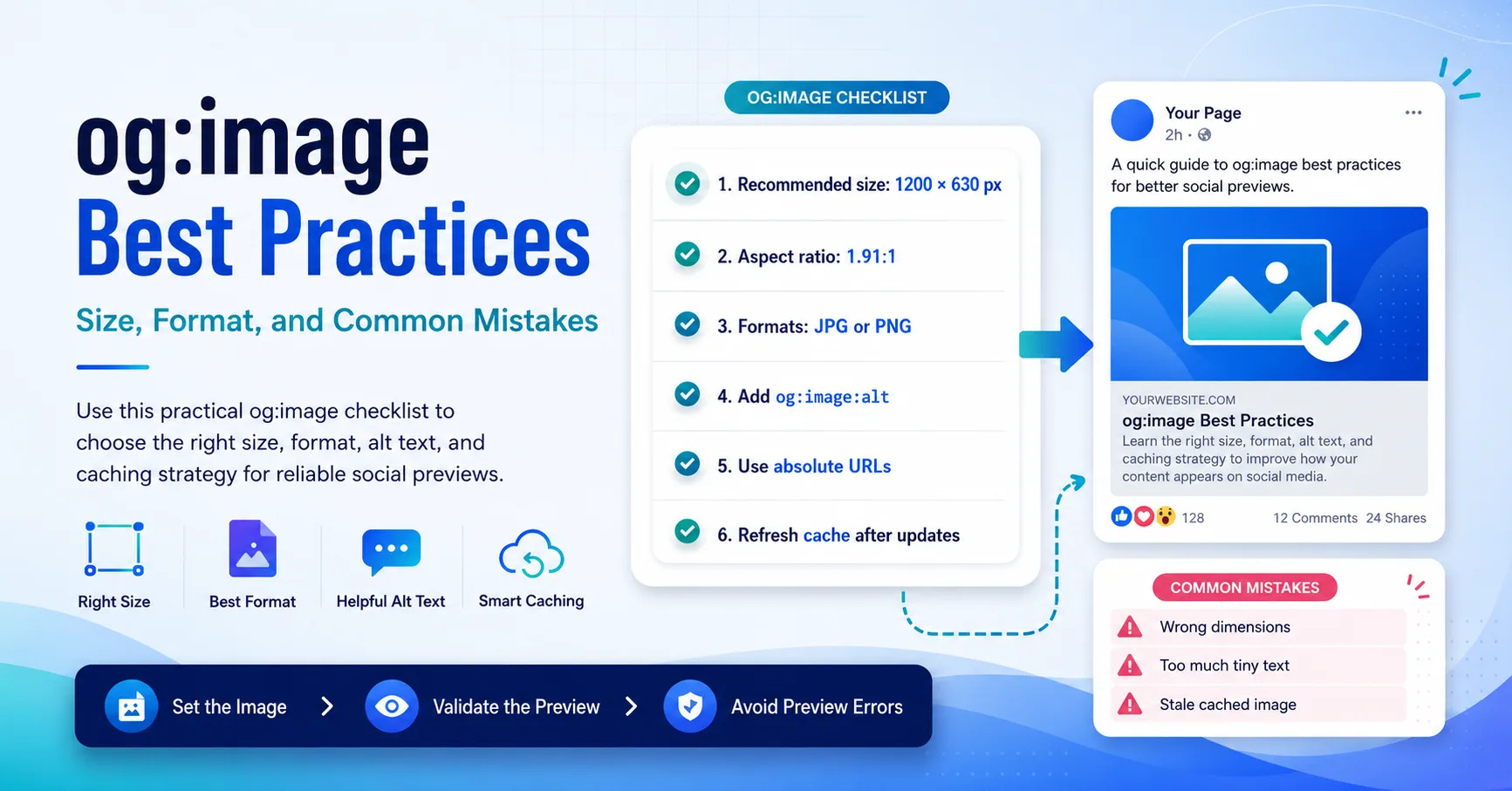
The direct answer
A dependable og:image is large enough for a rich preview, easy for crawlers to fetch, readable when reduced, and described by complete image metadata.
Start with a large 1.91:1 canvas
A 1200 by 630 canvas is a useful cross-platform default because it is close to the common 1.91:1 preview ratio and contains enough pixels for a large card. LinkedIn currently documents 1200 by 627 as the minimum for its sharing module, so a 1200 by 630 asset fits the same practical shape.
A resilient image layout
- Keep the main subject and logo inside a generous centered safe area.
- Use a headline that remains readable when the preview is roughly phone width.
- Avoid critical details in the lower corners where interface overlays may appear.
- Check that the image still makes sense if a platform crops a few percent from either side.
Choose a format crawlers can handle
JPEG is a conservative choice for photographs and textured artwork. PNG works well for flat graphics, logos, and interface screenshots that need crisp edges. WebP is supported by many modern consumers, but a team that values the broadest and most predictable compatibility may still choose JPEG or PNG for public preview assets.
File weight matters because a crawler has to fetch the asset within its own time and network limits. Compress the image without making text or logos visibly soft. The correct target depends on the artwork, so verify the final visual rather than chasing one arbitrary byte limit.
Risky delivery
Large file and ambiguous response
The image URL redirects repeatedly, returns the wrong Content-Type, or serves a multi-megabyte file that is slow to fetch.
Crawler-friendly delivery
Stable URL and direct image response
The public HTTPS URL resolves quickly to a supported image with the expected MIME type and cache headers.
Describe the image completely
The Open Graph protocol supports width, height, MIME type, secure URL, and alt text as structured image properties. Supplying these fields helps consumers understand the asset and gives assistive contexts a meaningful description.
<meta property="og:image" content="https://example.com/social/guide-v2.jpg" />
<meta property="og:image:secure_url" content="https://example.com/social/guide-v2.jpg" />
<meta property="og:image:type" content="image/jpeg" />
<meta property="og:image:width" content="1200" />
<meta property="og:image:height" content="630" />
<meta property="og:image:alt" content="Illustrated guide to reliable link previews" />Avoid the failures that look unrelated
- Relative og:image URLs that a crawler cannot resolve consistently.
- Metadata inserted only after client-side JavaScript runs.
- Private, signed, expiring, or cookie-protected image URLs.
- An image endpoint that sometimes returns HTML or an error document.
- Robots, firewall, or bot protection rules that block social crawlers.
- A generic fallback that makes every page appear identical.
When a preview fails, inspect the response chain rather than only the visible page. A valid-looking meta tag cannot help if the image request is blocked, redirected to authentication, or answered with a non-image response.
Make image updates predictable
Social platforms often cache preview data. Replacing bytes at the same URL may not produce an immediate visible change. For an important revision, publish the new asset at a new stable URL such as guide-v2.jpg and update the page metadata.
A safe update workflow
- Publish the new image before changing page metadata.
- Open the new image URL without a signed-in session.
- Update og:image and its width, height, type, and alt fields together.
- Deploy the page and inspect its initial HTML response.
- Use the relevant platform debugger or inspector when one is available.
Inspect an og:image before publishing
Use the checker to review the image URL, dimensions, MIME type, and the metadata exposed by the final page.
Test an og:image