
How to Automate Social Preview Images for a Blog with 1,000+ Posts
Plan an automated Open Graph image system for a large publication with reusable templates, bounded content, stable URLs, backfills, and validation.
You will learn
- Define safe template inputs for thousands of posts
- Separate render events from page requests
- Plan backfills, retries, observability, and editorial overrides
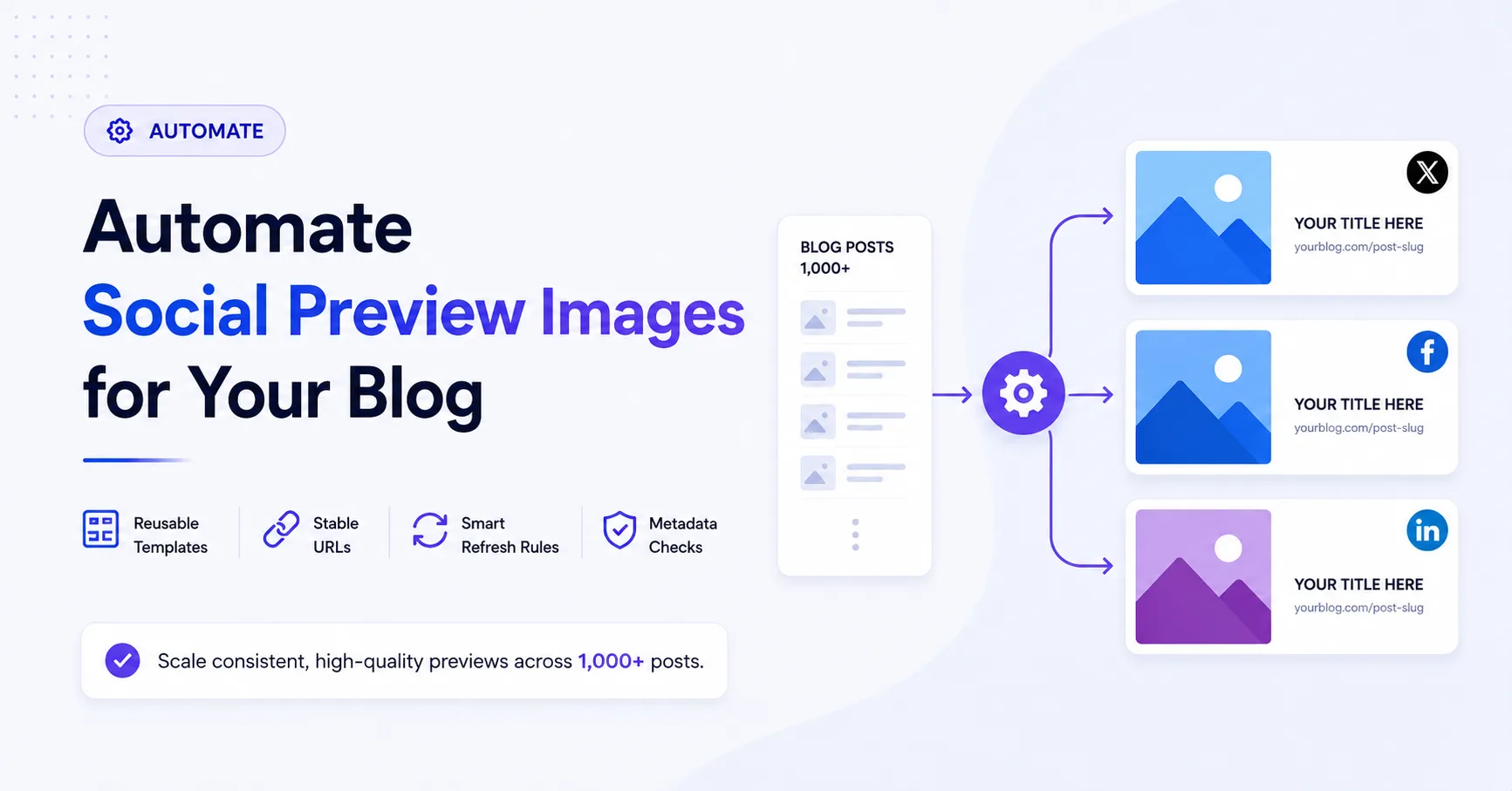
The direct answer
At large scale, treat preview images as a publishing pipeline with a defined data contract, a small template system, stable output URLs, backfill controls, and automated validation.
Model the system before designing templates
A thousand posts are not a thousand isolated design tasks. They are one or more repeated content types. Start by defining the smallest data contract that can represent the visual differences between posts.
A useful article image contract
- Stable post identifier or slug
- Display title with a documented maximum length
- Category or publication section
- Optional author or date only when it improves the preview
- Optional subject image with a known crop policy
- Template version used to render the asset
Create a small template system
Begin with one default article template and add variants only for meaningful editorial differences. Define how titles wrap, what happens when a subject image is missing, and which content is optional. Test the longest realistic title, not only the ideal one.
Fragile template
Designed around one perfect headline
Long titles overflow, missing images leave holes, and every category asks for its own slightly different layout.
Production template
Designed around bounded variation
Title length, image crop, fallbacks, optional fields, and localization are explicit parts of the system.
Render on publication, then serve a stable asset
Avoid making every social crawler wait for an expensive render. Generate or refresh the image when a post is published, when relevant fields change, or when a template version is intentionally rolled out. Store or cache the result behind a stable public URL.
- Publish content and image inputs through one controlled workflow.
- Render asynchronously when the publishing system supports it.
- Keep the previous valid image available until the replacement succeeds.
- Retry transient failures with a limit and expose permanent failures to operators.
- Return a safe fallback when no page-specific asset exists yet.
Backfill existing posts in controlled batches
Do not send all historical content through a new renderer at once. Start with a small representative batch, inspect the results, fix template edge cases, and then increase throughput. Prioritize high-traffic and recently shared pages before cold archive content.
Backfill safeguards
- Use an idempotent job keyed by post and template version.
- Limit concurrency to protect the renderer and storage service.
- Record success, failure reason, output URL, and render version.
- Support pausing and resuming without duplicating completed work.
- Sample visual output throughout the run rather than only at the end.
Validate the whole publishing contract
An image pipeline is not complete when rendering succeeds. Confirm that each page exposes the intended URL, the asset is publicly fetchable, the response is an image, and the metadata is present in initial HTML. Alert on missing outputs and unusual error rates.
Request a website preview audit
We will review three representative public URLs, identify social-preview metadata problems, and reply asynchronously with one practical setup proposal.
Prefer to continue on your own? Explore Mosaicora