
Twitter/X Card vs Open Graph: What's the Difference?
Understand how X card metadata and Open Graph differ, where they overlap, and how to publish a clear fallback strategy without duplicating every value.
You will learn
- Understand which metadata belongs to Open Graph and which belongs to X
- Use a simple precedence strategy instead of duplicating values blindly
- Test both the general page contract and the destination-specific result
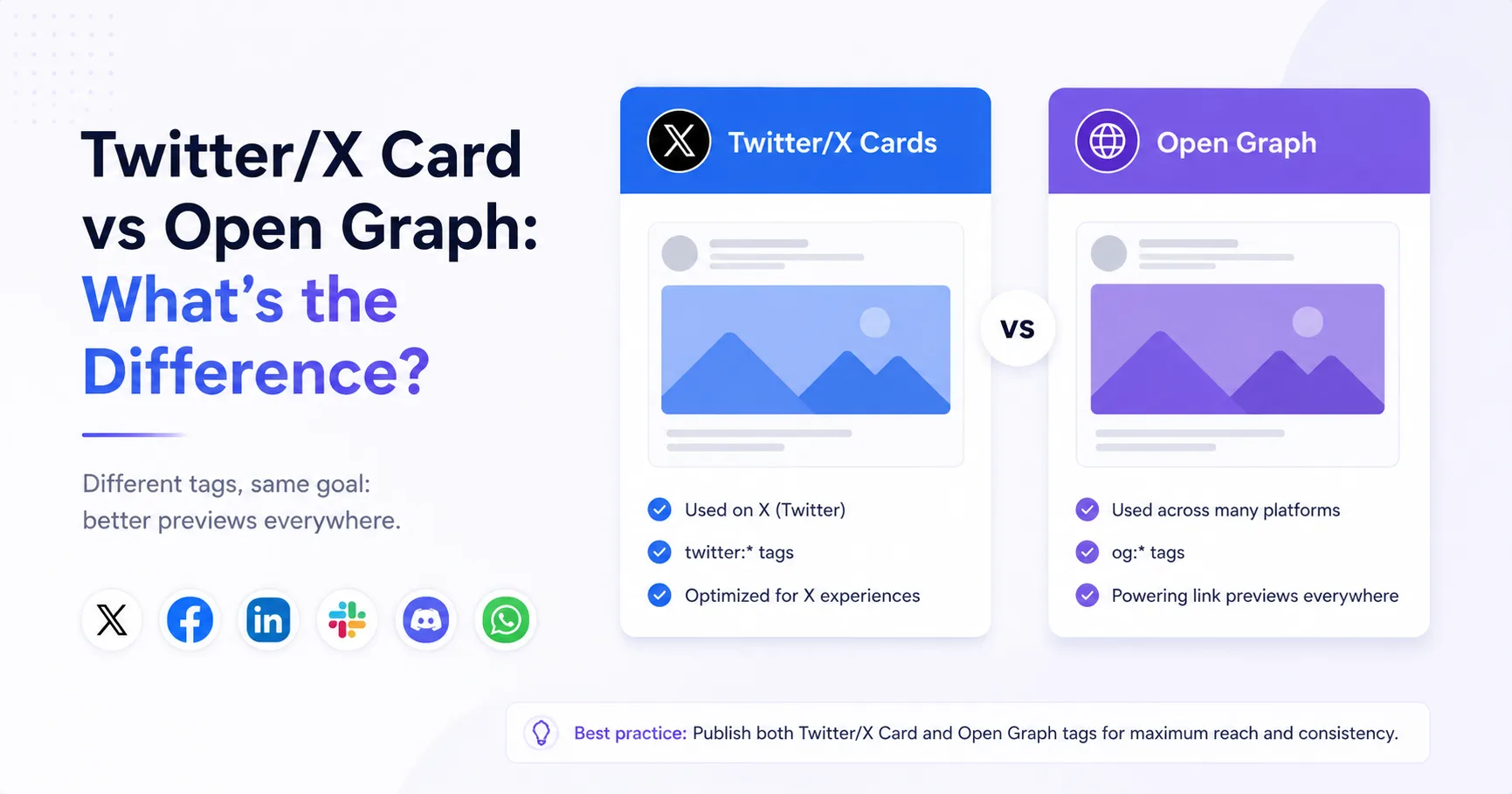
The direct answer
Open Graph is a broadly used page-sharing metadata protocol. X cards are X-specific preview metadata. Publish strong Open Graph fields and add X card fields where explicit X behavior or overrides are needed.
The short answer
Open Graph describes a webpage as a shareable object using properties such as og:title, og:type, og:image, and og:url. Many social and messaging products understand some part of that vocabulary.
X cards use twitter-prefixed metadata to select a card type and optionally define X-specific title, description, image, and account information. The two systems solve a similar preview problem but are not the same specification.
Open Graph
General sharing contract
Describes the canonical page object and its representative image for consumers that understand Open Graph.
X card metadata
Destination-specific card contract
Selects an X card type and can provide values tailored to how the page should appear on X.
How the common fields map
- og:title and twitter:title describe the preview title.
- og:description and twitter:description describe the summary.
- og:image and twitter:image point to the preview image.
- og:image:alt and twitter:image:alt describe the image.
- twitter:card selects an X card type and has no direct Open Graph equivalent.
- og:url identifies the canonical Open Graph object.
A maintainable setup
Use one source of truth in your application data, then render both metadata families from it. Start with complete Open Graph values and a summary_large_image card. Add X-specific content only when it should intentionally differ.
<meta property="og:title" content="Page title" />
<meta property="og:type" content="article" />
<meta property="og:url" content="https://example.com/page" />
<meta property="og:description" content="Page description" />
<meta property="og:image" content="https://example.com/social/page.jpg" />
<meta property="og:image:alt" content="Description of the preview image" />

<meta name="twitter:card" content="summary_large_image" />
<meta name="twitter:title" content="Page title" />
<meta name="twitter:description" content="Page description" />
<meta name="twitter:image" content="https://example.com/social/page.jpg" />
<meta name="twitter:image:alt" content="Description of the preview image" />When an X-specific override makes sense
- The general page title is too long for the intended X card.
- The X audience needs a different but still accurate summary.
- The page uses a platform-specific image composition.
- Account attribution is part of the publishing strategy.
Overrides should remain accurate and should not imply a different destination. If every field is identical, generate it from shared data rather than maintaining two separate editorial workflows.
Test the page contract and the destination
Compatibility checks
- Confirm Open Graph and X tags appear in initial HTML.
- Check that both metadata sets point to public stable images.
- Keep titles and descriptions accurate when overrides differ.
- Inspect the general page metadata independently of any one platform.
- Re-test X behavior after changes to its card tooling or documentation.
Check both metadata sets
Inspect the Open Graph and X card fields exposed by your live page before sharing it.
Inspect a page URL