
Open Graph Tags: The Complete Developer Reference
Reference the core Open Graph properties, structured image fields, article metadata, multiple images, X card fallbacks, and validation rules.
You will learn
- Distinguish protocol-required properties from useful optional fields
- Publish structured image and article metadata in the correct order
- Combine Open Graph and X card metadata without unnecessary duplication
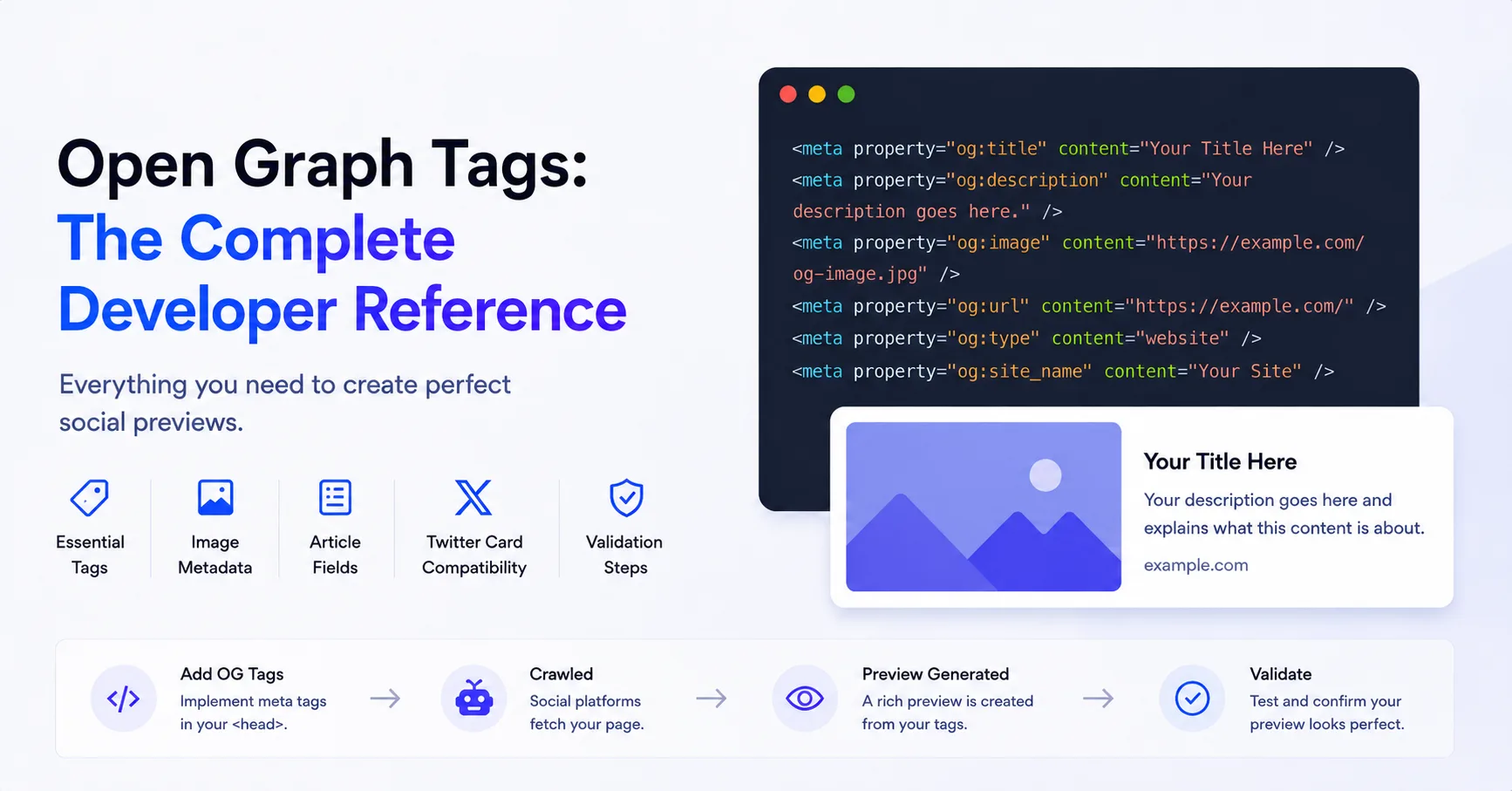
The direct answer
The Open Graph protocol requires og:title, og:type, og:image, and og:url for a graph object. Add descriptions, structured image fields, and content-type metadata when they help consumers represent the page correctly.
The four core properties
The Open Graph protocol lists title, type, image, and canonical URL as the four required properties for a page represented as a graph object. Put them in the document head and use values that describe the canonical page.
<meta property="og:title" content="A useful page title" />
<meta property="og:type" content="website" />
<meta property="og:image" content="https://example.com/social/page.jpg" />
<meta property="og:url" content="https://example.com/page" />- og:title is the title as it should appear in the graph or preview.
- og:type identifies the object type, such as website or article.
- og:image points to an image that represents the object.
- og:url is the canonical permanent identifier for the object.
Useful optional page fields
A description and site name are not part of the four-property minimum, but they commonly improve preview context. Locale fields are useful for localized sites. Keep the description concise and page-specific.
<meta property="og:description" content="One or two sentences about this page" />
<meta property="og:site_name" content="Example" />
<meta property="og:locale" content="en_US" />
<meta property="og:locale:alternate" content="pl_PL" />
Structured image properties
Structured properties attach details to the image that immediately precedes them. Keep width, height, type, secure URL, and alt text after their root og:image declaration.
<meta property="og:image" content="https://example.com/social/page.jpg" />
<meta property="og:image:secure_url" content="https://example.com/social/page.jpg" />
<meta property="og:image:type" content="image/jpeg" />
<meta property="og:image:width" content="1200" />
<meta property="og:image:height" content="630" />
<meta property="og:image:alt" content="A clear description of the preview image" />Article metadata
Use og:type article for editorial content and add article namespace fields when the publication dates, author, section, or tags are useful to consumers.
<meta property="og:type" content="article" />
<meta property="article:published_time" content="2026-06-23T09:00:00Z" />
<meta property="article:modified_time" content="2026-06-23T14:30:00Z" />
<meta property="article:section" content="Engineering" />
<meta property="article:tag" content="Open Graph" />
<meta property="article:tag" content="Metadata" />
X card compatibility
Open Graph and X card metadata overlap. A practical setup publishes complete Open Graph fields and adds twitter:card. Add explicit X title, description, or image fields when the X preview needs values that differ from Open Graph or when your compatibility requirements call for them.
<meta name="twitter:card" content="summary_large_image" />
<meta name="twitter:title" content="A useful page title" />
<meta name="twitter:description" content="A concise page summary" />
<meta name="twitter:image" content="https://example.com/social/page.jpg" />
<meta name="twitter:image:alt" content="A description of the preview image" />
Validation rules that catch most failures
Developer validation checklist
- Render metadata in initial HTML.
- Use absolute public HTTP or HTTPS URLs.
- Keep canonical URL and og:url aligned.
- Return the declared image with the expected Content-Type.
- Describe the image with og:image:alt.
- Check route-specific pages for accidental shared fallbacks.
- Test the production URL after redirects and CDN rules are active.
Validate the tags on a live page
Use the checker to compare this reference with the metadata returned by your deployed URL.
Validate Open Graph tags